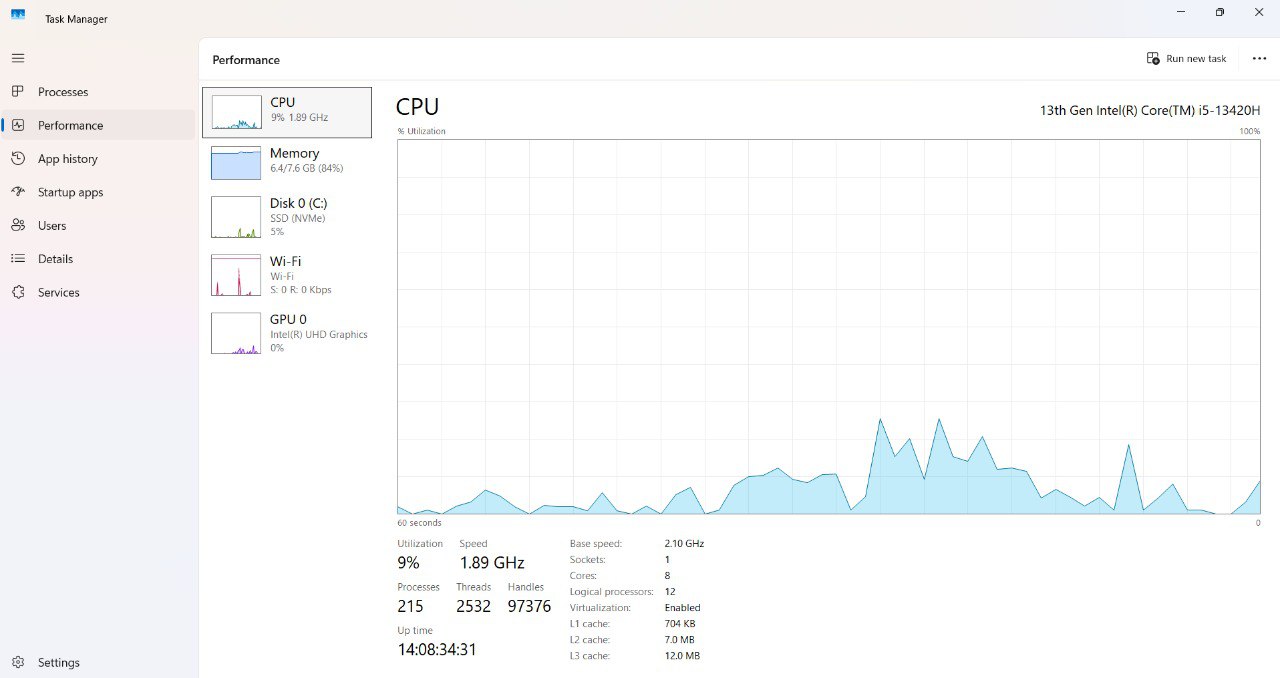
Reference: Windows Task Manager CPU view
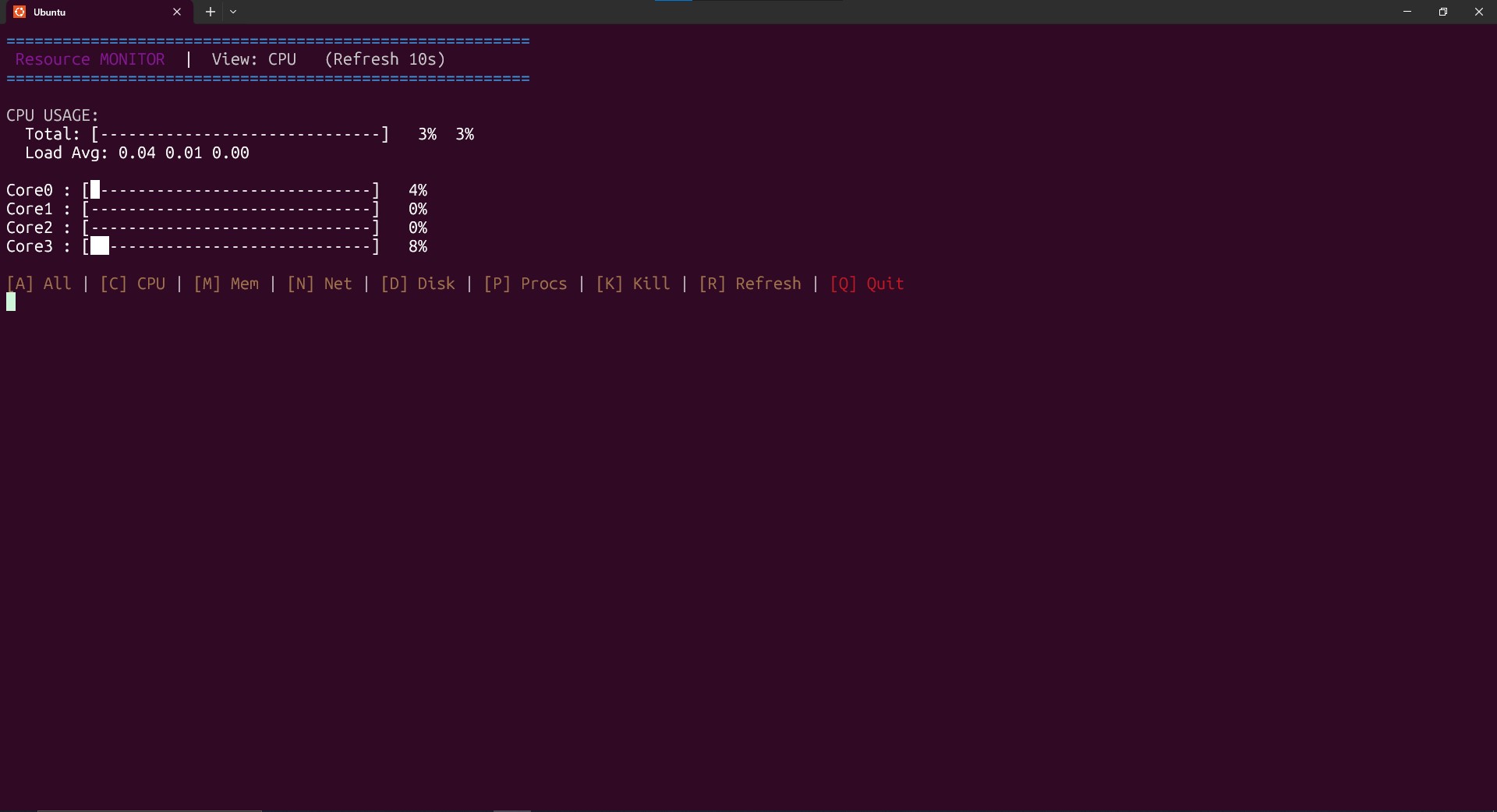
Resource Monitor CPU viewer in the terminal
- Read
/proc/stattwice, compute deltas to find busy vs idle time. - CPU% = (delta_busy / delta_total) * 100 — computed for aggregate and per-core.
- Render per-core ASCII bars + aggregate %, plus load averages for context.
- Sampling interval configurable via the controller (e.g., 1s, 2s, 5s).
- Top CPU-consuming processes can be listed using
ps -eo pid,user,%cpu,%mem,comm.