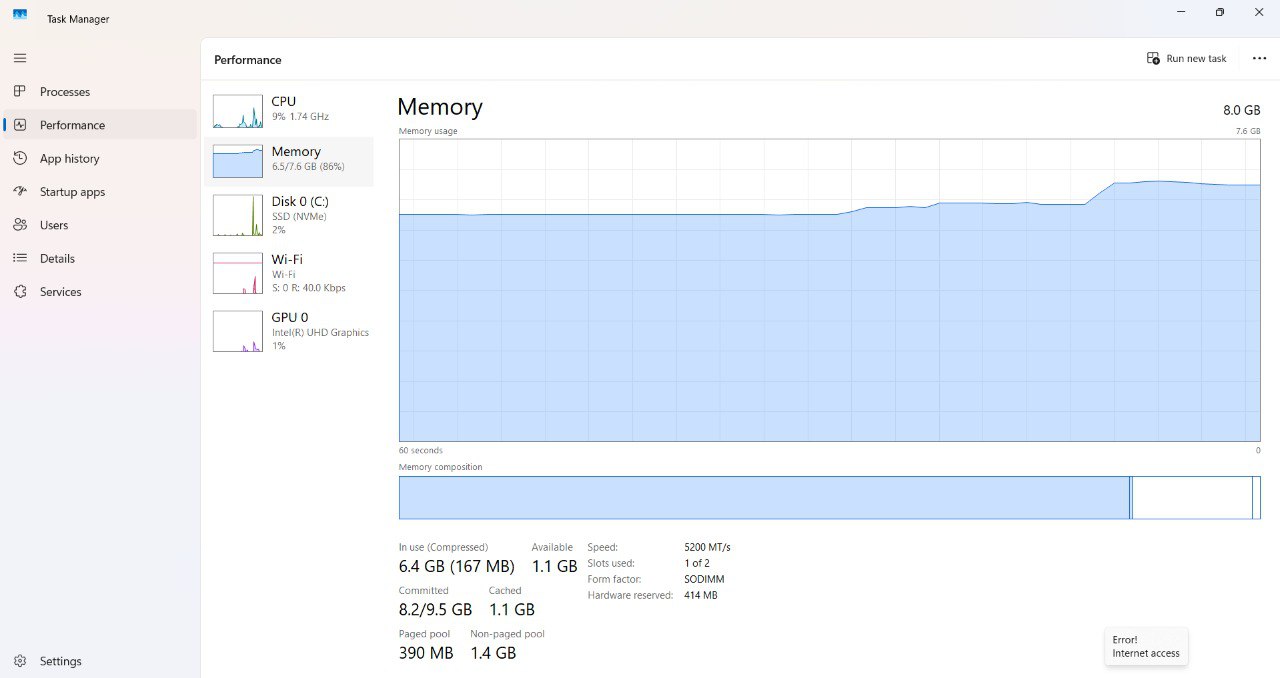
Reference: Windows Task Manager memory view
Resource Monitor memory display inside terminal.
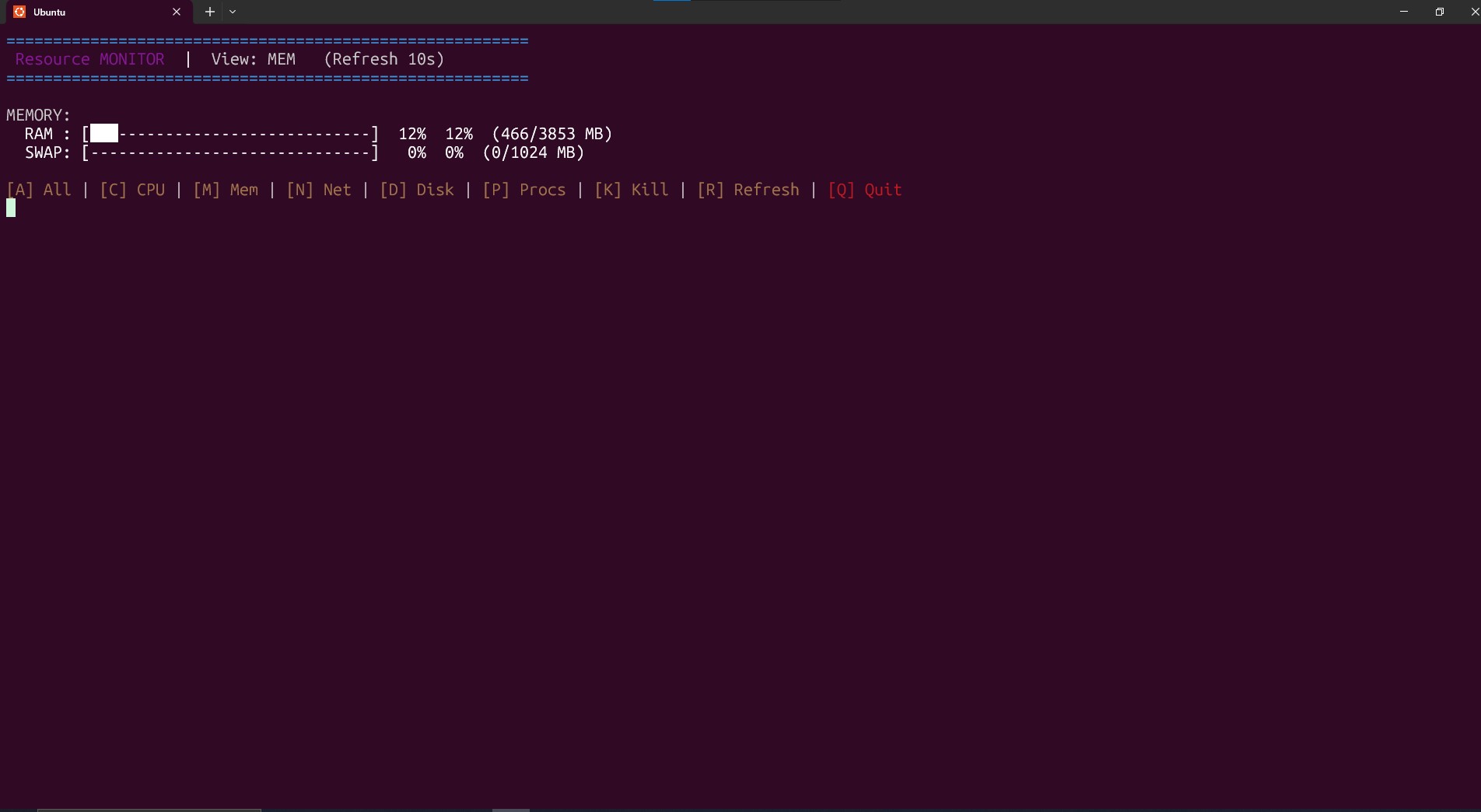
- Reads
/proc/meminfoto extract MemTotal, MemFree, Buffers, Cached, SwapTotal, SwapFree. - Used RAM = MemTotal - MemFree - Buffers - Cached (approximation useful for human-facing values).
- Displays RAM and Swap percentages, and visual bars for quick interpretation.
- Swap usage alerts help detect heavy swapping and possible memory pressure.
- Low overhead — only occasional sampling required (configurable by controller).
tips
- Watch swap increase and the RAM used percentage rise in the Memory slide.