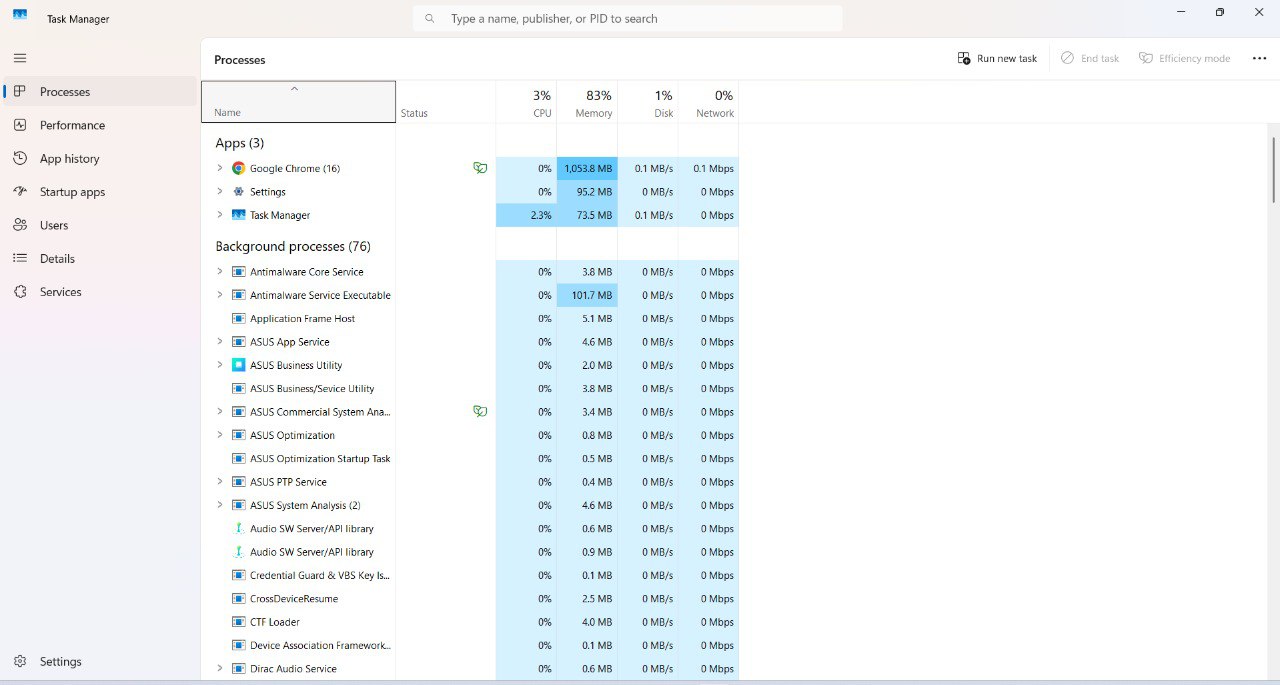
Reference: Windows Task Manager processes view
Resource Monitor process viewer in the terminal
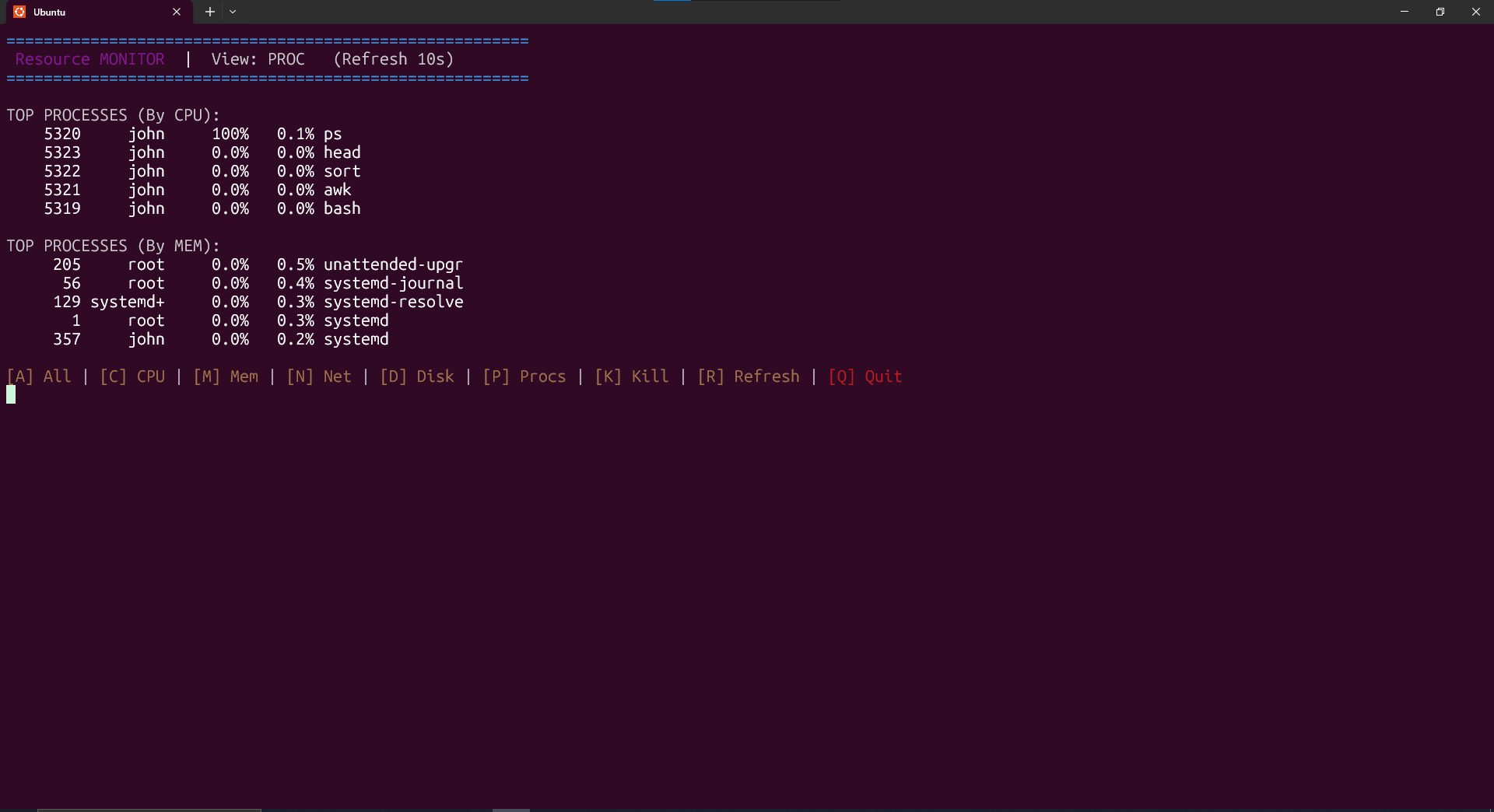
- Lists processes with columns: PID | USER | %CPU | %MEM | COMMAND (top N by CPU / MEM).
- Safe kill flow: Displays clear messages on success/failure and avoids killing processes owned by root or the monitor itself.
tips
- Create a safe test process:
sleep 300 & echo $!and copy the PID - Kill the test sleep PID to show successful termination messages